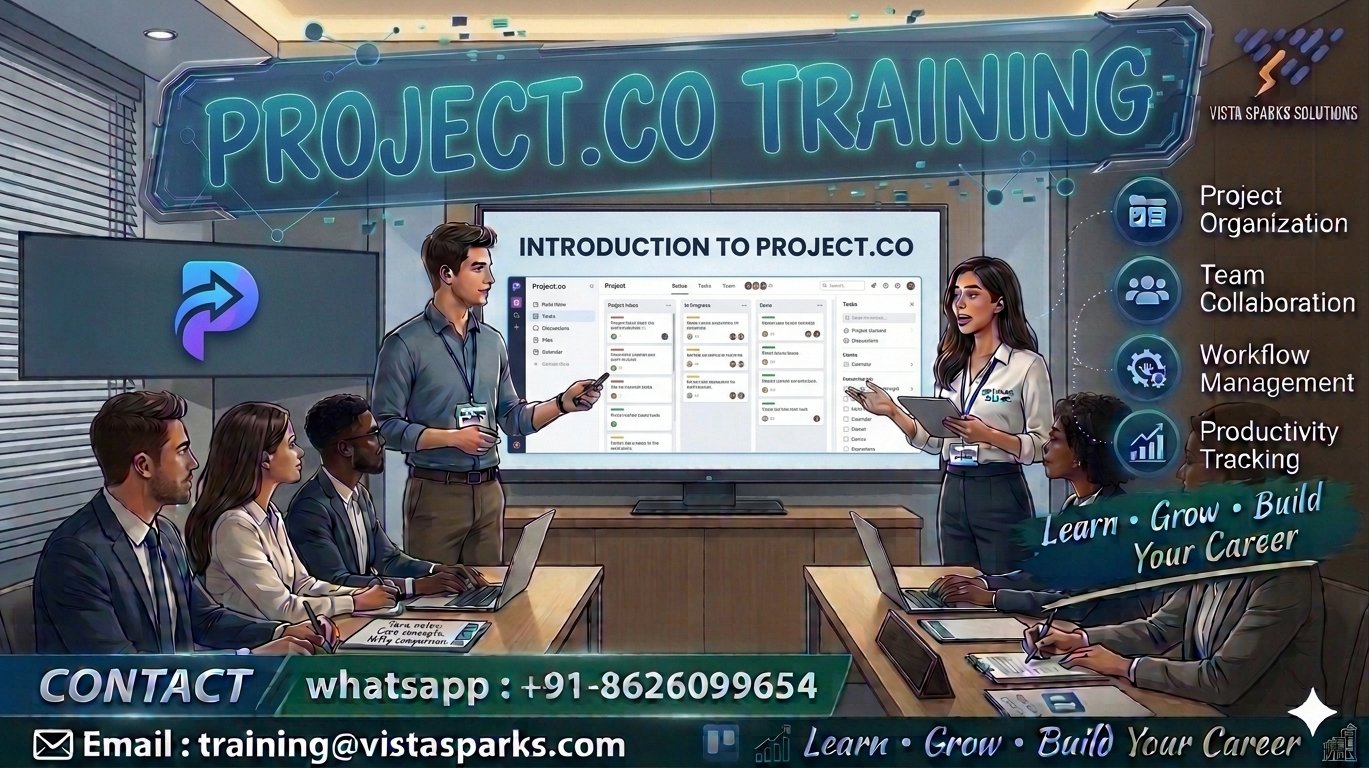
Product: Project.co Training

Project.co training

📘 Project.co Training – from Vistasparks Solutions

Project.co Training is designed to provide comprehensive knowledge of Project.co, a project management and team collaboration platform that helps businesses organize projects, manage tasks, communicate with teams, share files, and coordinate client work in one centralized workspace.This training program covers Project.co fundamentals, project setup, task management, team collaboration, client communication, file sharing, project tracking, workflow organization, reporting, and real-time business scenarios. 

🌍 Project.co Training

Project.co Training helps professionals understand how to plan projects, assign tasks, manage deadlines, collaborate with team members, communicate with clients, and monitor project progress. Participants gain practical experience in project organization, task tracking, team coordination, and project workflow management.

This course is designed to develop job-oriented skills in project management and collaboration using Project.co.

📚 Project.co Training – Modules

🔹 1. Introduction to Project.co

  • Overview of Project.co
  • Project Management Fundamentals
  • Platform Navigation
  • Features and Benefits
  • Workspace Setup

🔹 2. Project Setup and Management

  • Creating Projects
  • Project Organization
  • Project Details and Settings
  • Project Planning
  • Project Status Tracking

🔹 3. Task Management

  • Creating and Assigning Tasks
  • Task Priorities
  • Due Dates and Deadlines
  • Task Status Updates
  • Task Dependencies and Follow-Ups, where supported

🔹 4. Team Collaboration

  • Team Member Management
  • Project Discussions
  • Team Communication
  • Collaboration Workflows
  • Activity Tracking

🔹 5. Client and Stakeholder Management

  • Client Collaboration
  • Sharing Project Updates
  • Managing Client Feedback
  • Project Communication
  • Stakeholder Coordination

🔹 6. File and Document Management

  • Uploading and Sharing Files
  • Managing Project Documents
  • Organizing Resources
  • File Collaboration
  • Document Tracking

🔹 7. Workflow Organization

  • Project Workflow Planning
  • Task Assignment Processes
  • Progress Monitoring
  • Deadline Management
  • Project Coordination

🔹 8. Notifications and Updates

  • Project Notifications
  • Task Updates
  • Team Activity Monitoring
  • Communication Management
  • Follow-Up Processes

🔹 9. Project Tracking and Reporting

  • Project Progress Monitoring
  • Task Completion Tracking
  • Team Workload Visibility
  • Project Status Reviews
  • Performance Analysis

🔹 10. Real-Time Implementation Scenarios

  • Project Management Use Cases
  • Team Collaboration Projects
  • Client Project Workflows
  • Task Tracking Exercises
  • Practical Business Case Studies

🎯 What You Will Learn

  • Understand Project.co features and functionality
  • Create and organize projects
  • Assign tasks and manage deadlines
  • Coordinate with team members and clients
  • Share files and project updates
  • Monitor project progress
  • Improve communication and workflow organization
  • Support project coordination activities

⭐ Key Features of Training

  • Instructor-Led Sessions
  • Practical-Oriented Training
  • Real-Time Project Management Scenarios
  • Practical Project.co Exercises
  • Updated Course Content
  • Step-by-Step Platform Guidance
  • Interview Preparation Support, where applicable
  • Resume Building Guidance, where applicable
  • Flexible Learning Options
  • Career Guidance

👩‍🎓 Individual Training – Project.co

Our Individual Project.co Training program is designed for students, freshers, project coordinators, project managers, business analysts, freelancers, marketing professionals, client service professionals, and working professionals who want to improve their project management and collaboration skills.

The training focuses on practical project organization, task management, communication, and workflow coordination with expert guidance.

🌟 Project.co Training Benefits

1. Career-Focused Learning

  • Project coordination fundamentals
  • Practical project management knowledge
  • Task and deadline management
  • Communication and collaboration skills

2. Practical Training

  • Project setup exercises
  • Task assignment activities
  • Team collaboration scenarios
  • Project tracking exercises

3. Flexible Learning Options

  • Weekday and weekend batches, subject to availability
  • Online training options
  • Flexible schedules for working professionals
  • Learning support, where available

4. Expert Guidance and Support

  • Trainer-led guidance
  • Personalized learning support
  • Doubt-clearing sessions, where available
  • Practical workflow explanations

5. Career Development Opportunities

  • Project coordination skills
  • Improved team collaboration
  • Better task management practices
  • Foundation for project management roles

🏢 Corporate Training – Project.co

Our Corporate Project.co Training is designed for organizations looking to improve project visibility, streamline task management, enhance team collaboration, and coordinate client projects more effectively.

The program can be customized according to organizational requirements and focuses on practical project management workflows.

🌟 Corporate Training Benefits

1. Customized Curriculum

  • Organization-specific project scenarios
  • Team collaboration exercises
  • Practical workshops
  • Workflow-oriented learning

2. Improved Productivity

  • Better task organization
  • Improved deadline visibility
  • Streamlined project communication
  • More effective team coordination

3. Role-Based Learning

  • Project manager training
  • Project coordinator training
  • Team member training
  • Client service team training

4. Flexible Delivery Model

  • Online training
  • Corporate group sessions
  • On-site training, subject to availability
  • Flexible scheduling

5. Long-Term Business Benefits

  • Improved project visibility
  • Better collaboration
  • More organized workflows
  • Enhanced project coordination

📌 Training Modes We Offer

  • Online Training – Learn from anywhere
  • Corporate Training – Customized sessions for teams

🚀 Get Started Today!

Develop your project management and collaboration skills with Project.co Training from Vistasparks Solutions.

📧 Email: contact@vistasparks.com
📞 Call/WhatsApp: +91-8626099654
🌐 Website: https://vistasparks.com

Project.co Training

Frequently Asked Questions (FAQs)

Project.co is a project management and team collaboration platform that helps businesses organize projects, manage tasks, communicate with clients, share files, track progress, and coordinate work in one place.


Students, freshers, project managers, team leaders, business owners, freelancers, client service professionals, and working professionals can enroll.


No, prior experience is not mandatory. Beginners can learn the platform’s basic features and gradually progress to project and team management workflows.


No specialized technical background is required. Basic computer skills and an understanding of teamwork, tasks, or project workflows are helpful.


The training covers project setup, task management, team collaboration, client communication, file sharing, project tracking, workflow organization, reporting, and practical business scenarios.


Project.co is used to organize projects, assign tasks, communicate with clients and team members, share project files, monitor progress, and coordinate project-related activities.


Key features include project organization, task management, team and client collaboration, messaging, file sharing, project discussions, progress tracking, and centralized project information.


Yes, the training can include practical exercises involving project creation, task assignment, team collaboration, client communication, file management, and project progress tracking.


Yes, Project.co is designed to support collaboration between businesses and their clients by providing a shared workspace for project communication, tasks, files, and updates.


Yes, you will learn how to organize project tasks, assign responsibilities, manage deadlines, track progress, and coordinate activities with team members.


Yes, the training covers project-related communication, discussions, information sharing, and collaboration practices that help teams coordinate their work.


Yes, you will learn how to organize and share project-related files and information to improve accessibility and collaboration among authorized participants.


Yes, Project.co can help remote and distributed teams coordinate tasks, share updates, communicate with clients, and manage project information through a shared online workspace.


Yes, freelancers and small businesses can use Project.co to manage client projects, organize deliverables, coordinate communication, and monitor ongoing work.


The training can include practical project scenarios, such as client onboarding, task planning, project coordination, deliverable tracking, and team collaboration exercises.


No, coding knowledge is generally not required because Project.co is primarily a project management and collaboration platform.


Online training may be available depending on the program and schedule offered by Vistasparks Solutions. Contact the training team to confirm current availability.


Recorded sessions may be available depending on the selected training program. Please confirm availability with Vistasparks Solutions before enrolling.


Project.co skills can support roles such as project coordinator, project manager, operations coordinator, client success specialist, team leader, and business operations professional. Career opportunities depend on your experience and additional skills.

Vistasparks Solutions offers training focused on practical learning, project collaboration, task management, client communication, and real-world business workflows. Contact the team for details about the curriculum, fees, schedules, and available training options.

Contact Vistasparks Solutions

Categories

Follow Us

Call Us Anytime

Advantages

Review

There are no reviews yet. Be the first one to write one.

Rate Your Experience