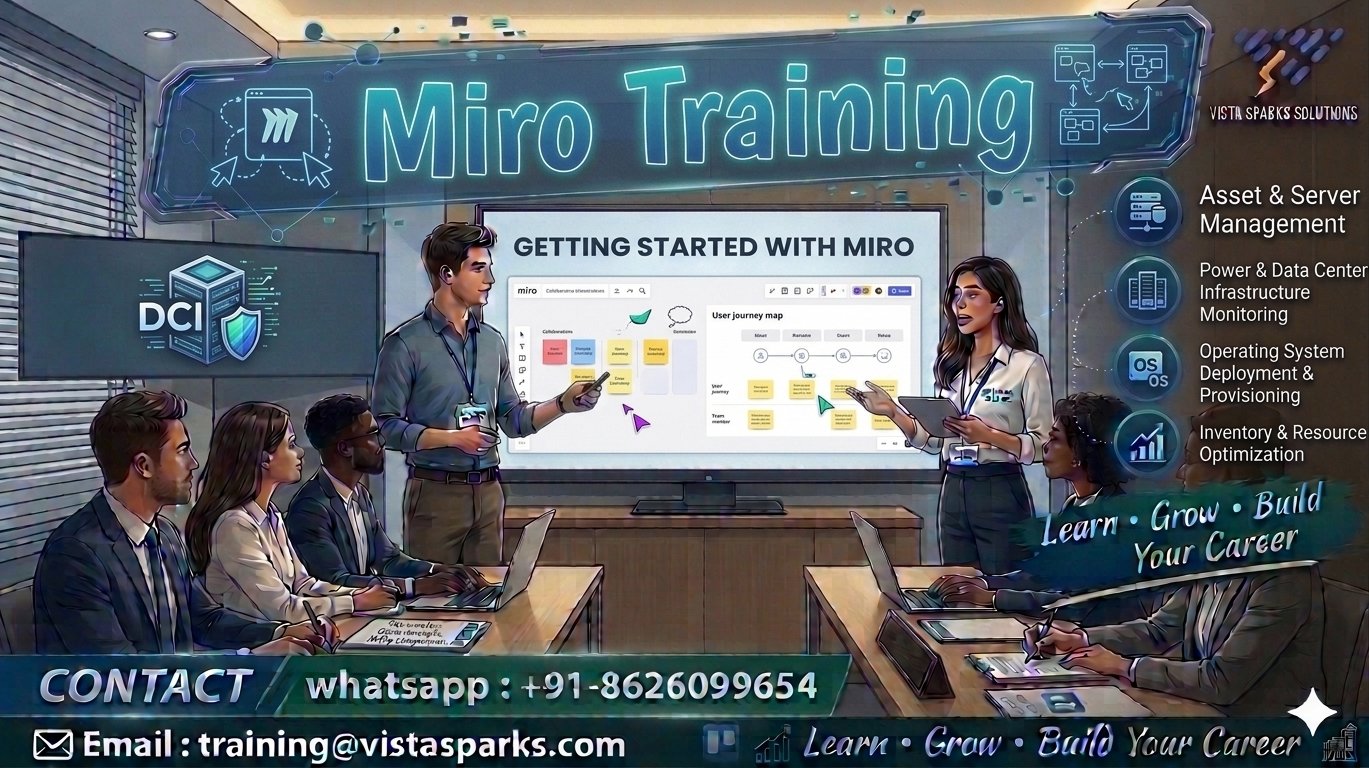
Miro Training helps professionals understand how to create interactive boards, organize ideas visually, facilitate team workshops, develop process diagrams, manage project workflows, and collaborate with distributed teams.
Participants gain practical experience in visual collaboration, brainstorming, workflow design, agile ceremonies, project planning, and team communication using Miro.
Our Individual Miro Training program is designed for students, freshers, project managers, business analysts, product managers, UX/UI designers, Scrum Masters, Agile professionals, consultants, and working professionals who want to improve their visual collaboration and project planning skills.
The training focuses on practical Miro usage, team collaboration, workflow visualization, brainstorming, and project-based activities.
Our Corporate Miro Training is designed for organizations looking to improve remote collaboration, facilitate workshops, streamline project planning, visualize business processes, and strengthen communication across teams.
The program can be customized according to organizational requirements and team roles.
Enhance your visual collaboration and project planning skills with Miro Training from Vistasparks Solutions.
📧 Email: contact@vistasparks.com
📞 Call/WhatsApp: +91-8626099654
🌐 Website: https://vistasparks.com
Miro Training helps learners understand how to use Miro, an online visual collaboration platform, to create digital whiteboards, brainstorm ideas, map workflows, manage projects, and collaborate with teams.
Students, freshers, project managers, business analysts, UI/UX designers, product managers, Scrum Masters, Agile coaches, software developers, and working professionals can enroll.
No, prior experience is not mandatory. Beginners can learn the fundamentals of Miro and gradually progress to advanced collaboration techniques.
No specific technical prerequisites are required. Basic computer skills and familiarity with online collaboration tools are helpful.
The training covers Miro boards, templates, sticky notes, diagrams, mind maps, flowcharts, brainstorming, wireframing, Agile workflows, team collaboration, and project planning.
Miro is used for brainstorming, visual collaboration, process mapping, project planning, design workshops, Agile ceremonies, user journey mapping, and remote team collaboration.
Key features include collaborative whiteboards, ready-made templates, sticky notes, mind maps, flowcharts, diagrams, presentation tools, voting, comments, and integrations with other productivity applications.
Yes, the training includes practical exercises in board creation, brainstorming, workflow visualization, mind mapping, process documentation, and collaborative project activities.
Yes, you can learn to use Miro for sprint planning, retrospectives, daily stand-up activities, backlog refinement, Kanban boards, and other Agile and Scrum practices.
Yes, the course covers creating flowcharts, workflow diagrams, process maps, decision trees, and other visual representations of business processes.
Yes, Miro supports activities such as wireframing, user journey mapping, customer journey visualization, brainstorming, information architecture, and collaborative design workshops.
Yes, you will learn how to create mind maps, organize ideas, connect concepts, and visually structure information for planning and problem-solving.
Yes, Miro supports integrations with various productivity, project management, communication, and design applications. Available integrations depend on the application and subscription plan.
Yes, Miro enables distributed teams to collaborate on shared boards, exchange ideas, organize workshops, document processes, and work together in real time.
The training can include practical project scenarios such as Agile retrospectives, business process mapping, product planning, brainstorming sessions, and collaborative workshop activities.
No, coding knowledge is not required for most Miro activities. The platform primarily uses visual tools and interactive collaboration features.
Miro skills are useful for project managers, business analysts, product managers, UI/UX designers, Scrum Masters, Agile coaches, consultants, and team leaders.
Online training may be available through instructor-led sessions or other learning formats, depending on the program offered by Vistasparks Solutions.
Certificate availability depends on the training program. Contact Vistasparks Solutions to confirm completion certificates and any applicable certification guidance.
Vistasparks Solutions offers training focused on practical exercises, collaboration techniques, project-based scenarios, and career-oriented learning. Contact the team to confirm current course schedules, fees, and available training options.
Contact Vistasparks Solutions
There are no reviews yet. Be the first one to write one.