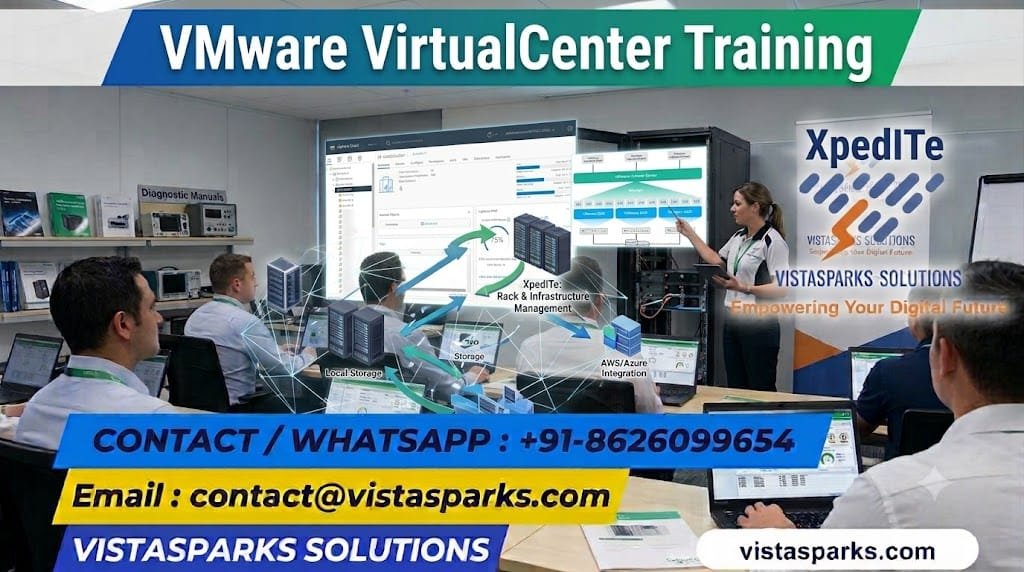
VMware VirtualCenter Training helps learners understand centralized virtualization management, including how to configure and manage ESXi hosts, deploy virtual machines, organize inventory, monitor resource utilization, and manage virtual infrastructure using vCenter Server.
The course focuses on practical exercises, administration concepts, infrastructure monitoring, troubleshooting, and enterprise virtualization best practices.
After completing VMware VirtualCenter Training, you will be able to:
Our Individual VMware VirtualCenter Training is designed for students, freshers, system administrators, network engineers, infrastructure professionals, technical support engineers, and working professionals interested in virtualization and data center administration.
The training focuses on practical exercises, centralized infrastructure management, virtual machine administration, and job-oriented VMware virtualization skills.
Our Corporate VMware VirtualCenter Training is designed for organizations looking to improve virtualization administration, strengthen data center operations, and enhance the management of VMware-based infrastructure.
The curriculum can be customized according to organizational requirements, infrastructure environments, and team responsibilities.
Build your virtualization and infrastructure management skills with VMware VirtualCenter Training from Vistasparks Solutions.
📧 Email: contact@vistasparks.com
📞 Call/WhatsApp: +91-8626099654
🌐 Website: https://vistasparks.com
VMware VirtualCenter Training
VMware VirtualCenter Training teaches learners how to use VMware vCenter Server to centrally manage virtual machines, ESXi hosts, clusters, storage, networking, and virtualized infrastructure.
Students, freshers, system administrators, network engineers, IT support professionals, infrastructure engineers, virtualization administrators, and working professionals can enroll.
No, prior VMware experience is not mandatory. However, basic knowledge of operating systems, computer networking, servers, and IT infrastructure is beneficial.
Basic knowledge of computer hardware, networking, operating systems, server administration, and virtualization concepts is recommended.
The training covers vCenter Server architecture, ESXi host management, virtual machine administration, cluster management, storage, networking, security, monitoring, troubleshooting, and practical virtualization scenarios.
VMware VirtualCenter, now commonly referred to as VMware vCenter Server, is used to centrally manage VMware vSphere environments, including ESXi hosts, virtual machines, clusters, resource allocation, and virtual infrastructure operations.
Key features include centralized host management, virtual machine administration, inventory management, permissions, performance monitoring, cluster management, vMotion coordination, and integration with vSphere features such as High Availability (HA) and Distributed Resource Scheduler (DRS).
Yes, the training can include practical exercises in virtual machine creation, ESXi host management, inventory configuration, resource allocation, cluster administration, and infrastructure troubleshooting, depending on the available lab environment.
VMware ESXi is the hypervisor installed on physical servers to run virtual machines. VMware vCenter Server provides centralized management of multiple ESXi hosts and their virtual machines.
A cluster is a group of ESXi hosts managed together to support resource management and availability features. Depending on the configuration and licensing, clusters can use capabilities such as vSphere HA and DRS.
Yes, you can learn to create, configure, clone, monitor, and manage virtual machines, along with working with templates, snapshots, and virtual machine resources.
Yes, the training can cover datastore management, VMFS and NFS storage concepts, storage configuration, capacity monitoring, and storage-related troubleshooting.
Yes, the course covers virtual networking concepts, including standard and distributed virtual switches, port groups, VLAN configuration concepts, and virtual network troubleshooting.
No, coding knowledge is generally not required for basic vCenter administration. However, scripting with PowerCLI or PowerShell can be beneficial for automation and advanced administration tasks.
Potential career opportunities include VMware Administrator, Virtualization Engineer, System Administrator, Infrastructure Engineer, Data Center Administrator, and Technical Support Engineer.
Yes, VMware virtualization skills can be valuable for professionals working in data centers, enterprise IT, private cloud infrastructure, server administration, and virtualization support.
Yes, freshers can start with virtualization fundamentals, networking basics, ESXi concepts, and vCenter Server administration before progressing to advanced infrastructure management.
Certification preparation guidance may be available. Learners should verify current VMware certification names, requirements, and exam availability before selecting a certification path.
Online instructor-led training may be available, subject to the schedule and delivery options offered by Vistasparks Solutions. Confirm whether practical lab access is included before enrolling.
Vistasparks Solutions offers training designed to develop virtualization and infrastructure administration skills through structured learning, practical exercises, trainer guidance, interview preparation, and career support, depending on the selected program.
There are no reviews yet. Be the first one to write one.