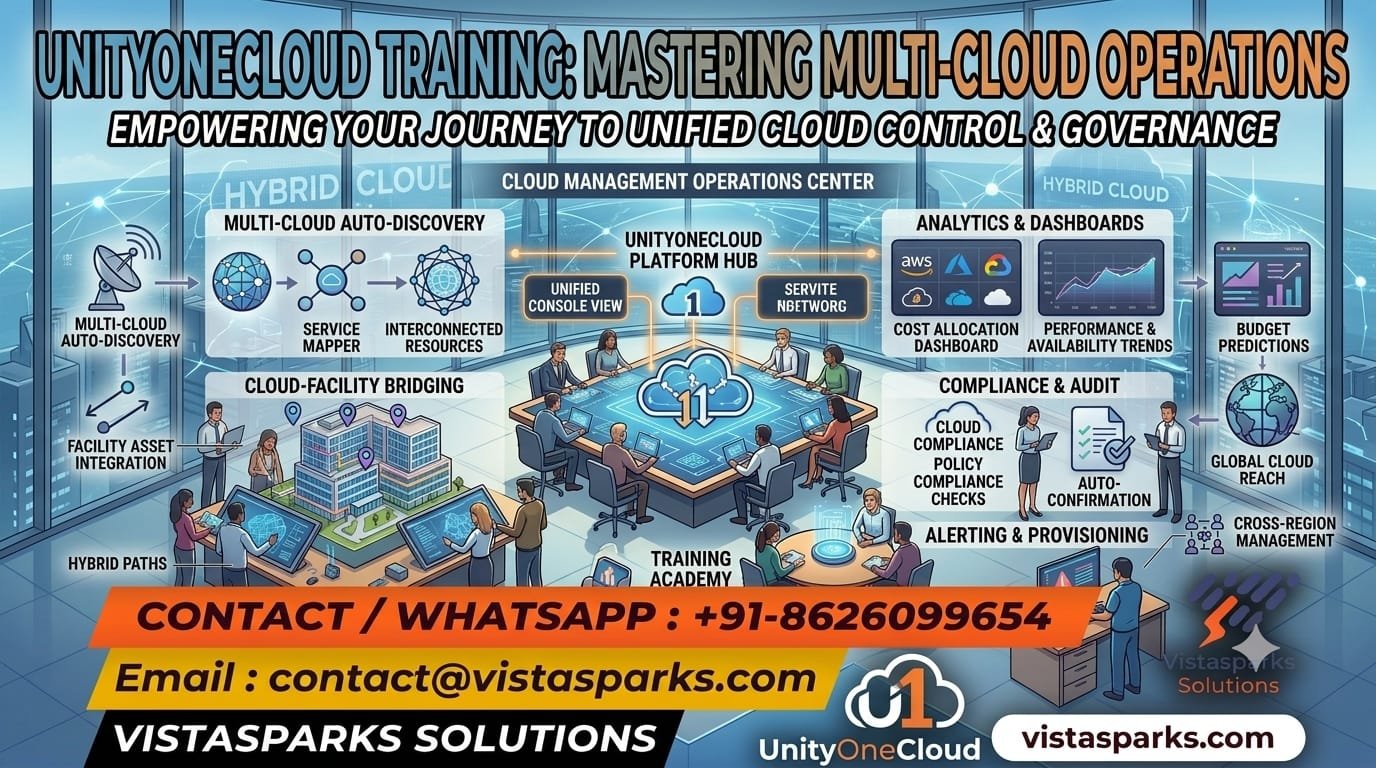
UnityOneCloud Training helps learners understand platform capabilities, manage IT resources, monitor infrastructure, configure operational workflows, and support enterprise cloud environments. The curriculum can be tailored to the organization’s UnityOneCloud product, version, and implementation requirements.
Participants develop practical knowledge of cloud management concepts, administration, monitoring, troubleshooting, integrations, and operational best practices.
Note: The exact module coverage should be aligned with the specific UnityOneCloud product and available platform features.
After completing UnityOneCloud Training, you will be able to:
Our Individual UnityOneCloud Training program is designed for students, freshers, cloud professionals, system administrators, infrastructure engineers, IT support professionals, and working professionals seeking to strengthen their cloud management and IT operations skills.
The training focuses on practical exercises, platform administration, monitoring, configuration, troubleshooting, and career-oriented learning.
Our Corporate UnityOneCloud Training program can be tailored for organizations looking to improve cloud operations, infrastructure monitoring, IT service management, automation, and operational efficiency.
The curriculum can be customized based on the organization’s platform configuration, technical environment, and employee learning objectives.
Build your cloud management and IT operations skills with UnityOneCloud Training from Vistasparks Solutions.
📧 Email: contact@vistasparks.com
📞 Call/WhatsApp: +91-8626099654
🌐 Website: https://vistasparks.com
UnityOneCloud Training is designed to help learners understand the UnityOneCloud platform, its features, configuration, administration, cloud operations, and related enterprise IT management processes. The exact curriculum depends on the specific UnityOneCloud product and implementation.
Students, freshers, IT professionals, cloud administrators, system administrators, infrastructure engineers, technical consultants, and working professionals interested in cloud technologies can enroll.
No, prior UnityOneCloud experience is not necessarily required. However, basic knowledge of IT infrastructure, networking, cloud computing, or system administration is beneficial.
Basic understanding of computers, operating systems, networking, cloud concepts, and IT operations is recommended. Advanced prerequisites depend on the specific platform and course level.
The curriculum may cover platform fundamentals, architecture, configuration, administration, resource management, monitoring, automation, security, integrations, reporting, troubleshooting, and practical implementation scenarios.
UnityOneCloud’s use cases depend on the specific product and deployment. Training can help learners understand its supported capabilities for cloud management, IT operations, infrastructure administration, and related enterprise workflows.
Depending on the platform, training may cover configuration, resource monitoring, user management, workflow automation, security controls, integrations, reporting, and operational troubleshooting
The training can include practical exercises, configuration demonstrations, troubleshooting scenarios, and guided implementation activities, depending on platform access and the selected training program.
Basic technical knowledge is helpful but not always mandatory for beginners. Familiarity with networking, cloud infrastructure, operating systems, and IT service management can make advanced topics easier to understand.
Relevant career paths may include cloud administrator, infrastructure engineer, IT operations analyst, system administrator, technical support engineer, and cloud operations consultant, depending on your background and the platform’s application.
Yes, freshers interested in cloud technologies, infrastructure management, and IT operations can explore the training. Learning foundational IT and networking concepts alongside the platform is recommended.
Coding may not be necessary for basic administration or operational tasks. However, scripting, APIs, and automation concepts can be useful for technical roles, depending on the platform’s capabilities.
The course can cover platform configuration, user administration, permissions, environment settings, and operational management, subject to the features supported by the specific UnityOneCloud product.
Yes, monitoring and troubleshooting can be included in the curriculum, covering supported monitoring features, alerts, performance indicators, log analysis, and common operational issues.
Practical projects and business scenarios can be included, depending on platform access and the training plan. These may involve configuration, monitoring, workflow management, and troubleshooting exercises.
Certification guidance may be provided where an applicable vendor certification or recognized learning pathway is available. Specific certification details should be confirmed before enrollment.
Recorded sessions may be available depending on the selected training program. Please confirm recording access and availability with Vistasparks Solutions.
Online training may be available, subject to batch schedules and trainer availability. Contact Vistasparks Solutions for current delivery options.
Platform access depends on the training arrangement, licensing requirements, and availability of a suitable training environment. Confirm access details before enrolling.
Vistasparks Solutions offers training programs focused on practical learning, trainer guidance, technical concepts, interview preparation, and career development. Contact the team to confirm the UnityOneCloud curriculum, trainer expertise, platform access, schedule, and available support.
There are no reviews yet. Be the first one to write one.